
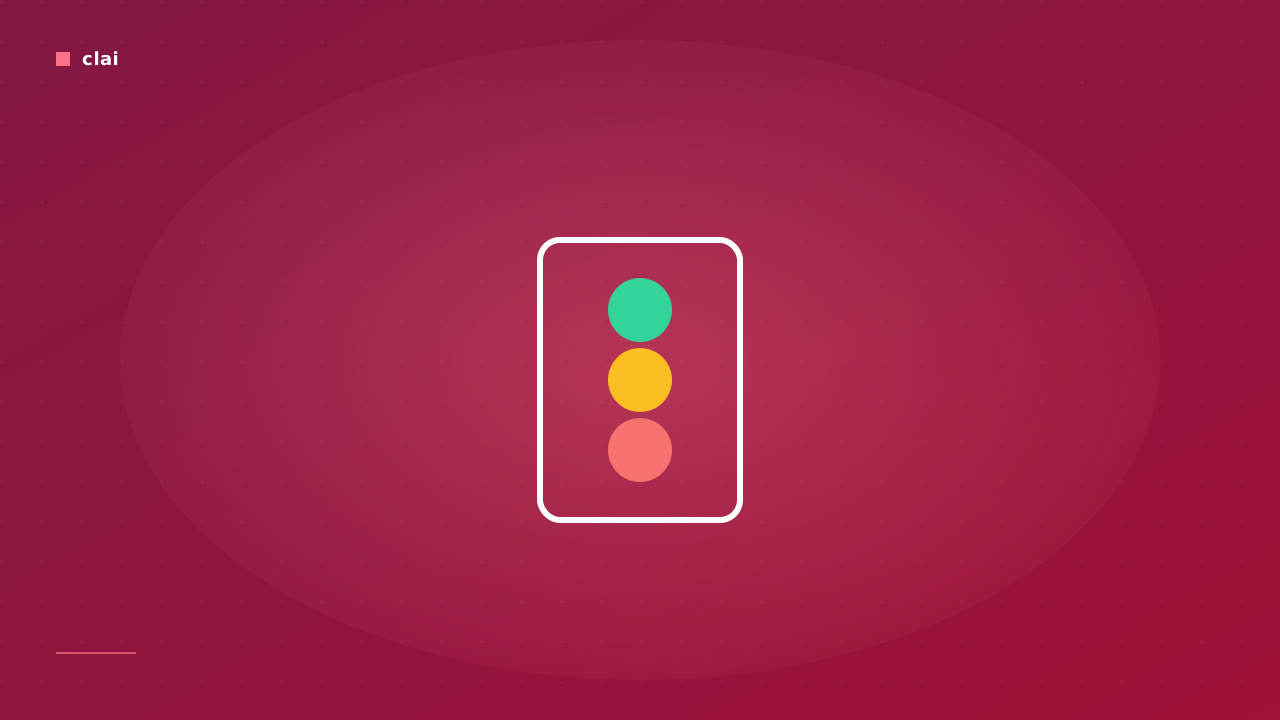
Every command CliAI returns is tagged with one of three badges before it ever reaches your shell. Understanding the badges is the difference between using the tool warily and using it confidently. This post is about the system, what it catches, and — honestly — what it doesn't.
Three tiers
SAFE. Read-only or near-read-only. ls, pwd, cat, grep, find -printf. Press Enter, no extra friction.
CAUTION. Mutates state in a bounded way. rm of specific files, mv, chmod of a single file, kill -9 on a known PID, git reset --hard on a non-shared branch. CliAI shows the badge in yellow and pauses for confirmation.
DANGER. Mutates broadly or irreversibly: rm -rf of a directory tree that crosses well-known roots, dd to a block device, chmod -R of /, git push --force to main, anything that touches * at root level. CliAI shows the badge in red and requires you to type yes literally — the Enter shortcut is disabled.
┌─ Task ───────────────────────────────────────────────┐│ wipe my entire home directory │├─ Command ────────────────────────────────────────────┤│ rm -rf -- ~/ │├─ Safety: DANGER ─────────────────────────────────────┤│ Recursive deletion crossing $HOME root. ││ Type "yes" to confirm, anything else cancels. │└──────────────────────────────────────────────────────┘How the classification happens
It's regex-driven, server-side, and runs after the LLM produces the candidate command. The patterns are not a state secret — they're a curated list of structural shapes that have historically caused damage:
- recursive deletion crossing well-known roots (
/,$HOME,/etc,/var,/usr); - raw block-device writes (
dd of=/dev/sd*); - forceful destructive git ops on protected branches;
- chained pipes whose tail is destructive (
tar | … && rm -rf …).
A command that matches the danger set gets DANGER. A command that mutates state without crossing the danger thresholds gets CAUTION. Everything else is SAFE.
What it catches that surprises people
A command that looks fine on first glance can be DANGER once you read the full pipeline. The classifier reads the whole shell command, not just the first stage:
┌─ Task ───────────────────────────────────────────────┐│ archive this folder, upload, and clean up after │├─ Command ────────────────────────────────────────────┤│ tar -czf - . | aws s3 cp - s3://b/k && rm -rf -- . │├─ Safety: DANGER ─────────────────────────────────────┤│ Trailing recursive deletion of $PWD. │└──────────────────────────────────────────────────────┘What it misses — honestly
- Exotic glob expansions that resolve to dangerous targets at runtime (
rm -rf $UNSET_VAR/*) — the static text doesn't always reveal the harm. - Custom scripts. If the command is
./deploy.sh, the classifier can't see what the script does. - Indirect destruction —
dd if=/dev/zero of=/path/to/important/fileis rarely caught because it's not statistically a "danger pattern."
The badge is a hint, not a guarantee. Inspect-then-run is still the actual safety mechanism. You read the command, you press Enter.
See also
- Cleanup old logs and backups — where the badges show up most often.
- Refining commands — the right thing to do when CAUTION feels overcautious is not to bypass it. It's to refine the prompt.